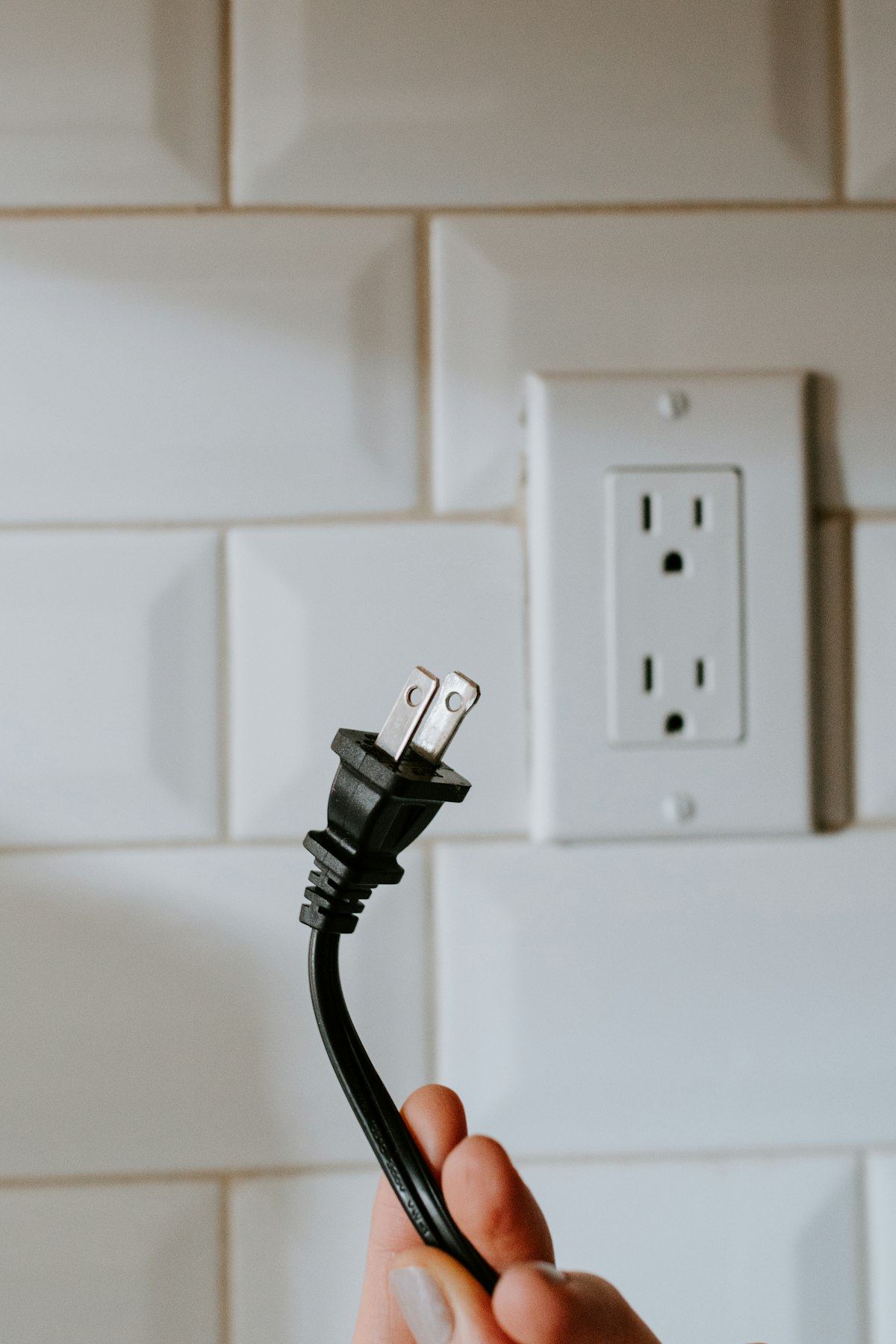
Energy-monitoring smart plugs are pitched as a straightforward sustainability upgrade, but the mechanism behind any actual savings gets skipped over. A plug that tells you how much power something uses doesn't reduce that power on its own.
What a Smart Plug Actually Does
An energy-monitoring smart plug sits between the wall outlet and a device, tracking how much electricity flows through it over time, viewable in an app. That's the entire function on most models — measurement and, on some, scheduled on/off control.
Where the Real Savings Come From: Phantom Load
The actual money-saving mechanism is identifying "vampire" or "phantom" load — power drawn by devices that are off or idle but still plugged in. Monitors, printers, and multi-port chargers are common home office culprits. A smart plug makes this waste visible for the first time, which is genuinely useful — most people significantly underestimate how much idle equipment draws.
The Data Only Helps If You Act on It
This is the part the marketing skips: a smart plug left monitoring a device without any change in behavior saves nothing beyond the awareness itself. The savings require either manually unplugging identified phantom-load devices, or using the plug's scheduling feature to cut power automatically during off-hours — overnight, weekends, or whenever the equipment genuinely isn't needed.
Verdict
Smart plugs are a diagnostic tool, not an automatic fix. They're worth it if you'll actually check the data and act on it — either by unplugging phantom-load devices or scheduling automatic shutoffs. If you won't change any behavior based on what you learn, the plug itself won't save you anything.
Our pick for this: Energy-Monitoring Smart Plug (2-Pack) →

Reviews & Comments
Loading...